A small medieval band, built from real instruments.
These are the instruments I needed to make the music I want to make. The whistles and ocarinas were designed on my playing techniques. I am not a professional tin whistle player. You can hear all the cracks in the jumps, and all the slurs in the ocarina. These instruments play like real people - specifically, they play like me.
You don't get one shaker or tambourine - you get all of them. Fully physics modeled, and a lot of fun to play - which is important. Drums were mostly what I had laying around the apartment.
In a game
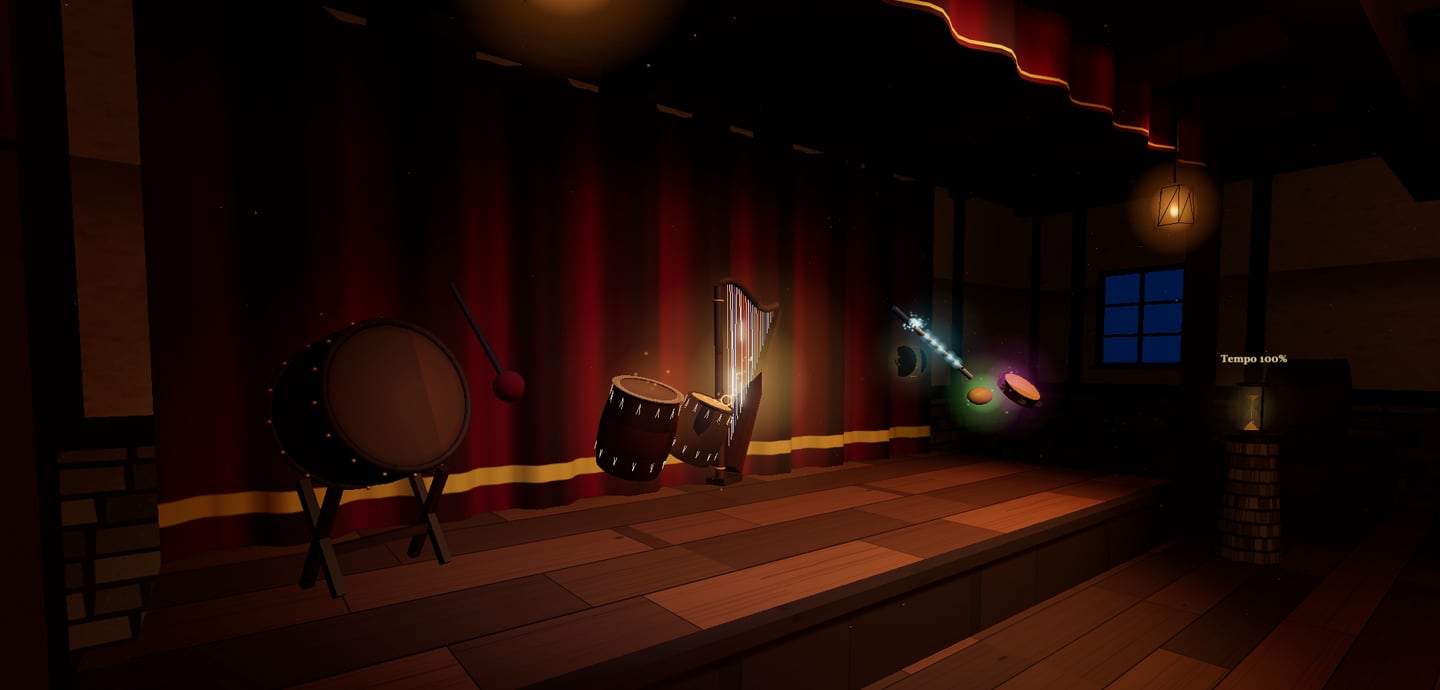
A tavern band playing the ensemble live. Walk around, start and stop the players, change the tempo, and pick up a floating tambourine or shaker to play along.
The instruments
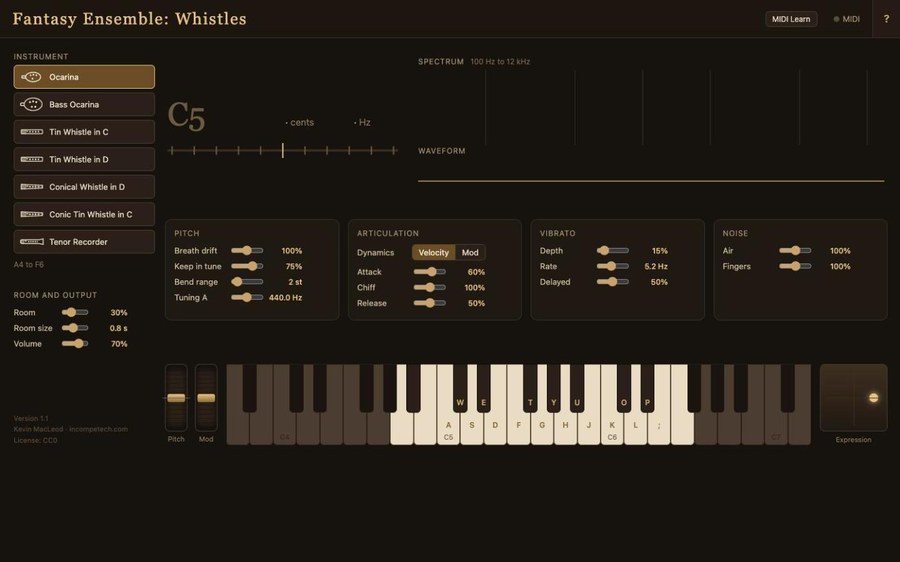
Whistles
Seven duct flutes: an ocarina, a bass ocarina, tin whistles in C and D, conical whistles in C and D, and a tenor recorder.
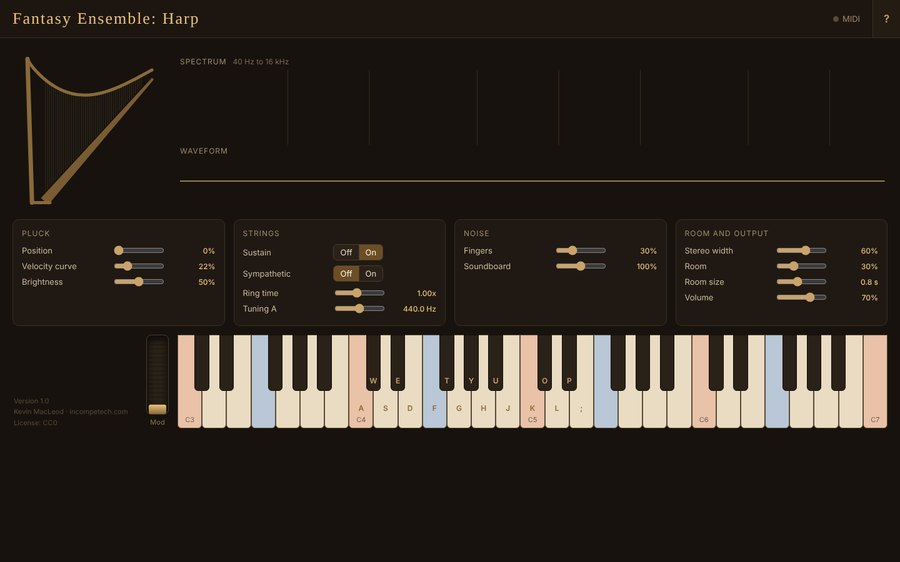
Harp
A medieval harp from C3 to C7.
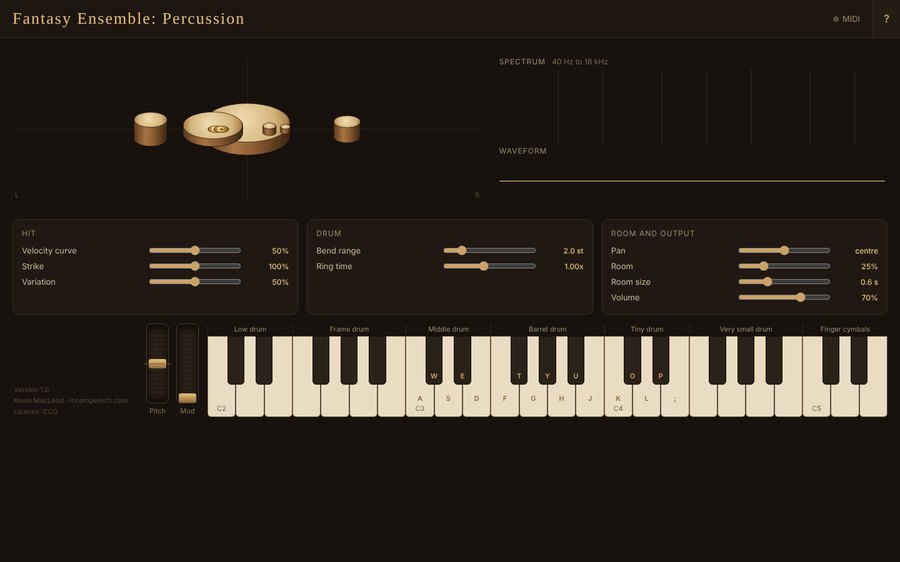
Percussion
A kit of seven: low drum, frame drum, middle drum, barrel drum, tiny drum, very small drum and bronze finger cymbals.
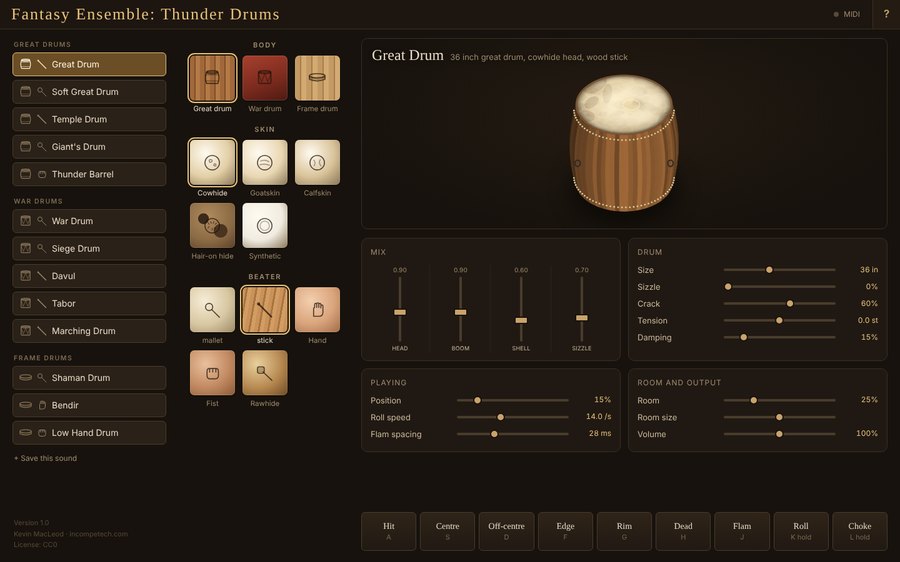
Thunder Drums
Great drums, war drums and frame drums.
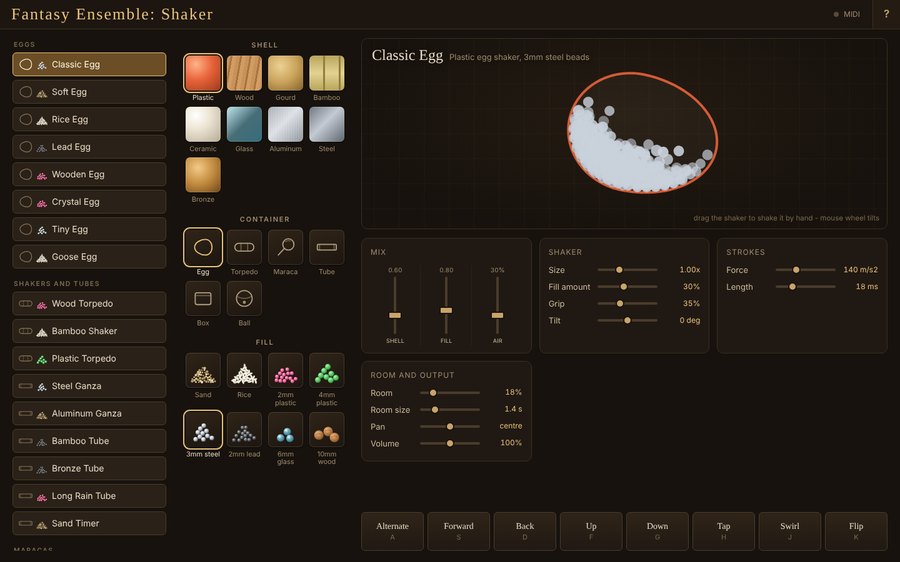
Shaker
Choose the container, the shell and what is inside it.
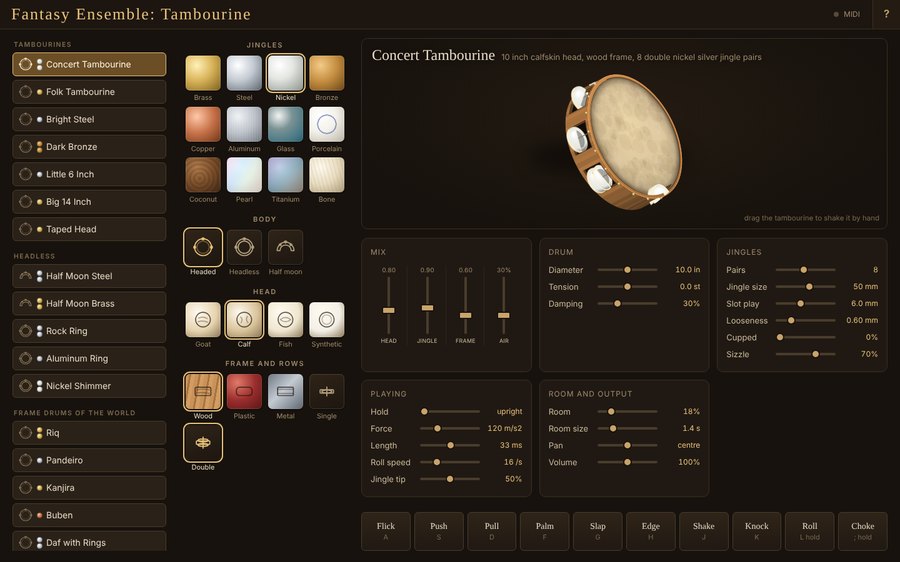
Tambourine
Headed, headless and half moon frames, twelve jingle metals and materials.
Installing the plug-ins on a Mac
- Open the disk image. Double-click the
.dmgyou downloaded. A window opens with the plug-in on the left and a folder on the right. - Drag the plug-in onto the folder beside it.
macOS asks for your password, because the AU plug-ins folder is shared by everyone on the Mac. Then eject the disk image. - Load it up.
In Logic, GarageBand or MainStage, add a software instrument track and look under AU Instruments > incompetech.
Still missing in Logic? Open Logic Pro > Settings > Plug-in Manager, find it, and choose Reset & Rescan Selection. If you installed an earlier copy in your own Library (~/Library/Audio/Plug-Ins/Components), delete that one so Logic does not find two. Whistles used to be called Ocarina: delete Ocarina.component if you have it.
Installing the plug-ins on Windows
- Unblock, then unzip. Right-click the zip, choose Properties, tick "Unblock" at the bottom if it is there, and click OK. Then right-click the zip again and choose Extract All.
- Copy the plug-in. Copy the whole
.vst3folder (for exampleHarp.vst3) into the folder below. Windows will ask for administrator permission. That is normal.C:\Program Files\Common Files\VST3
- Rescan in your music software. Rescan plug-ins or restart it. Look for the VST3 instruments by incompetech.
Each zip also has a .exe that plays without any other software. Windows may say "Windows protected your PC" the first time: click More info, then Run anyway. That appears because the program is not signed with a paid certificate.
If the plug-in window stays blank, install the WebView2 Runtime from Microsoft (search for "WebView2 Runtime download"). It is already part of Windows 11 and most Windows 10 machines.