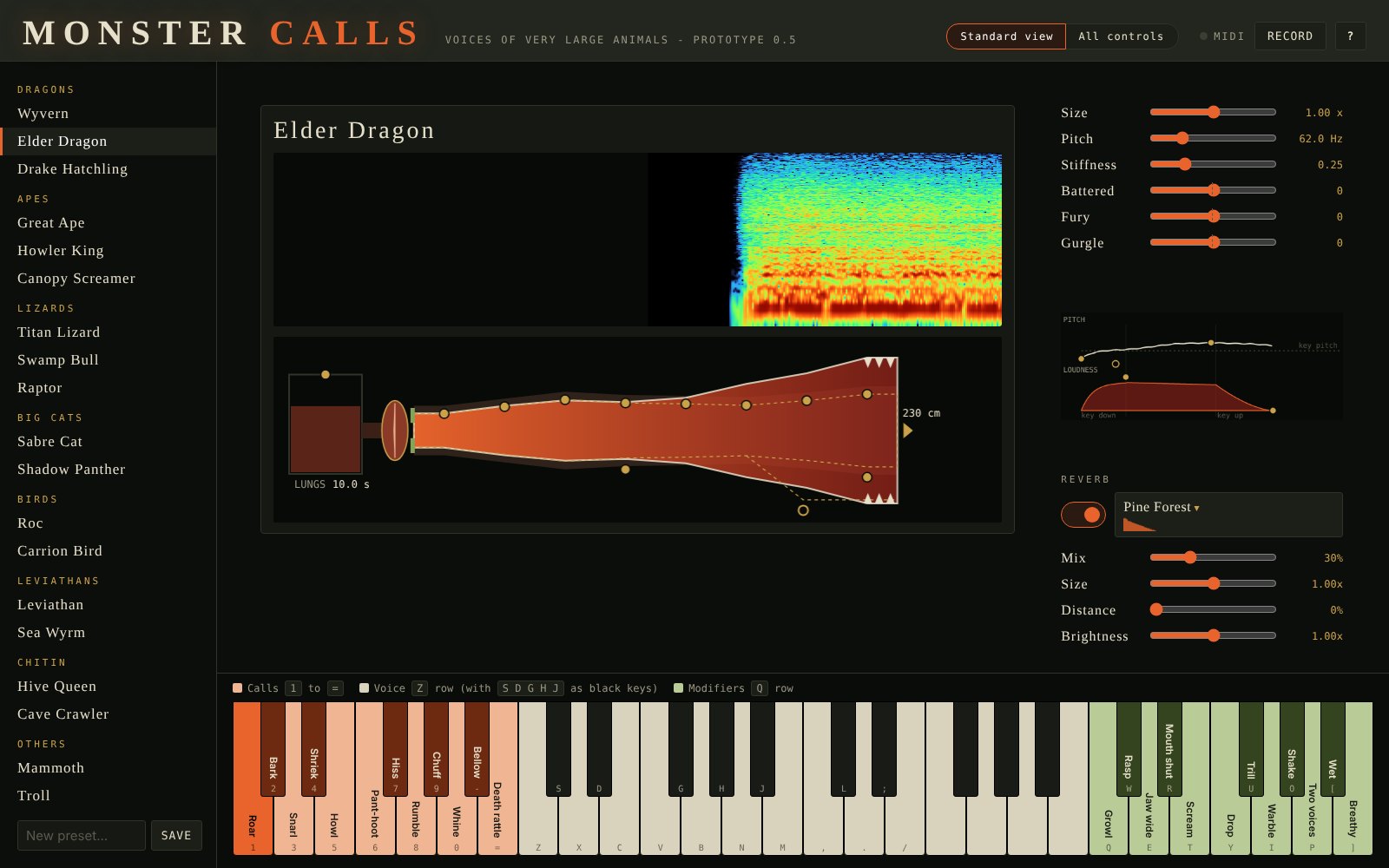
Monster Calls is a free instrument that builds the voice of a giant beast out of physics.
- Realtime sound design for games.
- SFX audio production for film.
- Open source.
Installing the plug-in on a Mac
- Open the disk image. Double-click the
.dmgyou downloaded. A window opens with the plug-in on the left and a folder on the right. - Drag the plug-in onto the folder beside it.
macOS asks for your password, because the AU plug-ins folder is shared by everyone on the Mac. Then eject the disk image. - Load it up.
In Logic, GarageBand or MainStage, add a software instrument track and look under AU Instruments > incompetech > Monster Calls.
Still missing in Logic? Open Logic Pro > Settings > Plug-in Manager, find it, and choose Reset & Rescan Selection. If you installed an earlier copy in your own Library (~/Library/Audio/Plug-Ins/Components), delete that one so Logic does not find two.
In the plug-in, your computer keyboard stays with your music software (its key commands and Musical Typing). Play it from MIDI or click the on-screen keys.
Installing the plug-in on Windows
- Unblock, then unzip. Right-click the zip, choose Properties, tick "Unblock" at the bottom if it is there, and click OK. Then right-click the zip again and choose Extract All.
- Copy the plug-in. Copy the whole
Monster Calls.vst3folder into the folder below. Windows will ask for administrator permission. That is normal.C:\Program Files\Common Files\VST3
- Rescan in your music software. Rescan plug-ins or restart it. Look for Monster Calls, a VST3 instrument by incompetech.
The zip also has Monster Calls.exe, which plays without any other software. Windows may say "Windows protected your PC" the first time: click More info, then Run anyway. That appears because the program is not signed with a paid certificate.
If the plug-in window stays blank, install the WebView2 Runtime from Microsoft (search for "WebView2 Runtime download"). It is already part of Windows 11 and most Windows 10 machines.